Felt
Felt is a cloud-native GIS platform that lets you create maps, apps, and dashboards. When combined with Mappedin's indoor mapping capabilities, it delivers a robust solution that seamlessly bridges the gap between outdoor navigation and detailed indoor wayfinding, perfect for businesses requiring scalable, professional-grade mapping solutions.
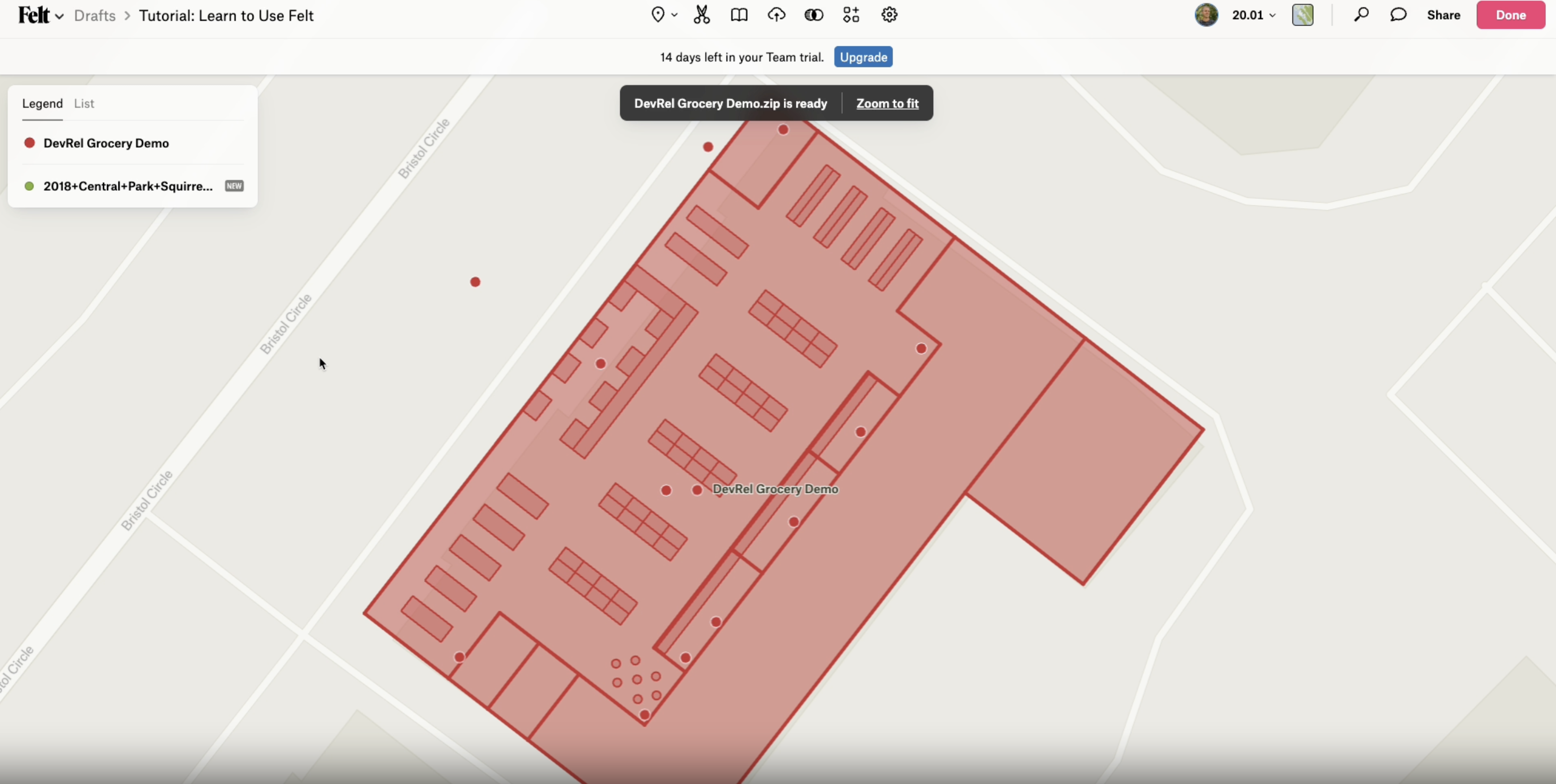
Why Choose Mappedin with Felt?
- Add indoor mapping to existing Felt maps
- Combine outdoor maps with detailed indoor floor plans
Getting Started
To add a Mappedin Indoor Map to your Felt map, download the Mappedin Map as a GeoJSON file in Mappedin Venue Format and then import into Felt.
Importing a Mappedin Indoor Map into Felt
- Open Mappedin Maker
- Select the desired map.
- Click on the
Downloadbutton. - Select
Download as MVF. - Open Felt.
- Click on New Map or open an existing project.
- Drag the download MVF file onto the Felt map.
- Wait for the Felt prompt asking
How do you want to add this data?. - Choose
Elementsand clickCreate. - Wait for the map to be imported.